électriquesFoire aux questions
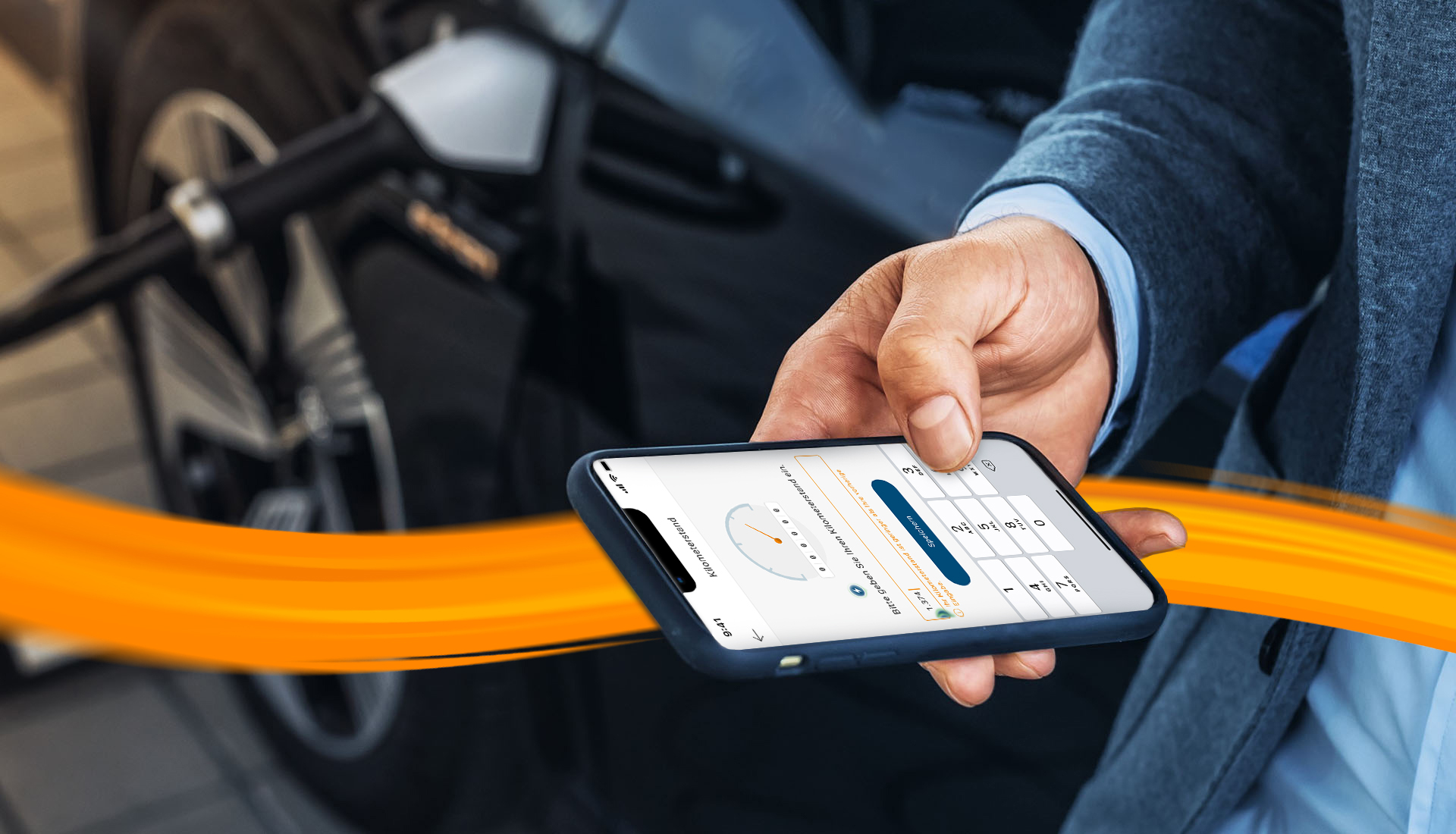
Saisie du kilométrage avec l'application DKV Mobility - Questions et réponses
-
L'application DKV Mobility doit être installée
- {{"link": "https://play.google.com/store/apps/details?id=com.dkveuroservice.mobileappkit&hl=de≷=US", "linkStyle": "default", "linkTitle": "T\u00e9l\u00e9charger l'application DKV Mobility dans Google Play Store ", "linkType": "external", "aria-label": "T\u00e9l\u00e9charger l'application DKV Mobility dans Google Play Store ", "linkLabel": "T\u00e9l\u00e9charger l'application DKV Mobility dans Google Play Store ", "target": "_blank"}}
- {{"link": "https://apps.apple.com/us/app/dkv-mobility/id392938551", "linkStyle": "default", "linkTitle": "T\u00e9l\u00e9charger l'application DKV Mobility dans l'Apple App Sture ", "linkType": "external", "aria-label": "T\u00e9l\u00e9charger l'application DKV Mobility dans l'Apple App Sture ", "linkLabel": "T\u00e9l\u00e9charger l'application DKV Mobility dans l'Apple App Sture ", "target": "_blank"}}
-
Le conducteur doit être connecté avec un nom d'utilisateur et un mot de passe.
- {{"link": "/content/dam/dkv/assets/documents/digitale-produkte/kilometerstanderfassung/dkv_emob_app_registrierung_en.pdf", "linkStyle": "default", "linkTitle": "En savoir plus sur la mani\u00e8re d'obtenir des informations de connexion (PDF) ", "linkType": "file", "aria-label": "En savoir plus sur la mani\u00e8re d'obtenir des informations de connexion (PDF) ", "linkLabel": "En savoir plus sur la mani\u00e8re d'obtenir des informations de connexion (PDF) ", "target": "_blank"}}
-
Une DKV Card +Charge doit être attribuée au conducteur.
- {{"link": "/content/dam/dkv/assets/documents/digitale-produkte/kilometerstanderfassung/how-to-assign-a-dkv-card_en.pdf", "linkStyle": "default", "linkTitle": "Lisez comment attribuer la DKV Card +Charge (PDF)", "linkType": "file", "aria-label": "Lisez comment attribuer la DKV Card +Charge (PDF)", "linkLabel": "Lisez comment attribuer la DKV Card +Charge (PDF)", "target": "_blank"}}
-
Les notifications push pour les transactions d'e-mobilité doivent être activées.
- {{"link": "/content/dam/dkv/assets/documents/digitale-produkte/kilometerstanderfassung/how-to-enable-push-notifications_en.pdf", "linkStyle": "default", "linkTitle": "Plus d'informations sur comment activer les notifications push (PDF)", "linkType": "file", "aria-label": "Plus d'informations sur comment activer les notifications push (PDF)", "linkLabel": "Plus d'informations sur comment activer les notifications push (PDF)", "target": "_blank"}}
Actuellement, la saisie du kilométrage fonctionne pour les {
{"link": "/fr/fr/e-mobility/charging-on-the-road", "linkStyle": "default", "linkTitle": " transactions @road", "linkType": "internal", "aria-label": " transactions @road", "linkLabel": " transactions @road", "target": "_self"}}.
Le kilométrage est affiché dans l'aperçu des transactions de l'application DKV Mobility.
L'affichage de la transaction dans l'aperçu des transactions peut prendre quelques minutes.
{{"link": "/fr/fr/digital-solutions/customer-portal/dkv-mobility-app", "linkStyle": "cta-blue", "linkTitle": "Plus d'informations sur l'application DKV Mobility", "linkType": "internal", "aria-label": "Plus d'informations sur l'application DKV Mobility", "linkLabel": "Plus d'informations sur l'application DKV Mobility", "target": "_self"}}
{{"link": "/fr/fr/e-mobility/charging-on-the-road", "linkStyle": "cta", "linkTitle": "Tout sur DKV Mobility @road", "linkType": "internal", "aria-label": "Tout sur DKV Mobility @road", "linkLabel": "Tout sur DKV Mobility @road", "target": "_self"}}